The 5 Best E-commerce Platforms for 2026: Comparison & Pricing
What is an e-commerce platform? At its core, an e-commerce platform is the digital foundation of your business. It contains the software necessary for building and running an online store, while streamlining essential retail tasks such as marketing, inventory management, and secure payment processing.
The best e-commerce platforms do more than just list products; they enable merchants to design unique brand experiences and manage their businesses as they grow and evolve. Whether you are a solo creator or a scaling enterprise, choosing the right partner is critical to your success.
Here is an overview of the 5 best e-commerce platforms for 2026 to help you make the right choice for your customers.
The 5 best ecommerce platforms
WooCommerce
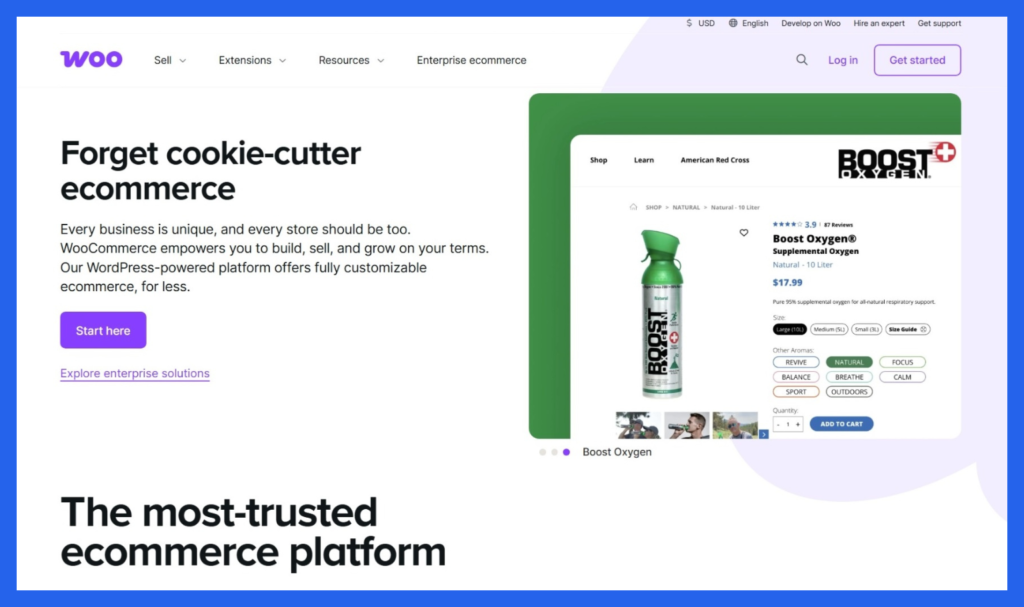
In 2026, WooCommerce continues to dominate the market for business owners who demand total ownership of their online storefront. Unlike “rented” platforms like Shopify or Wix, WooCommerce is an open-source plugin built for WordPress, giving you 100% control over your data, design, and destiny.
What is WooCommerce?
WooCommerce isn’t a standalone website builder; it’s a powerful engine that transforms a WordPress site into a fully functional online store. Because it’s open-source, it is backed by a global community of developers, ensuring it stays at the cutting edge of SEO and web technology. It is the preferred choice for brands that want to avoid monthly subscription “taxes” and rigid design constraints.
The Real Cost: Pricing Breakdown
While the WooCommerce plugin itself is free, running a professional store involves several modular costs. This “pay-for-what-you-need” model often ends up being cheaper than high-tier subscriptions on other platforms.
Hosting: $10–$50/mo (Essential to keep your site live).
Domain Name: $10–$20/year.
SSL Certificate: Often free with hosting (e.g., Let’s Encrypt), but premium versions can cost $50+/year.
Themes: Free to $100 (One-time fee).
Extensions/Plugins: $0–$200/year (For advanced features like subscriptions or memberships).
The Pros: Why Choose WooCommerce?
Total Ownership: You own your files and your database. No platform can “shut you down” for a policy change.
Unmatched SEO: Built on WordPress, the best platform for content marketing. You can optimize every single $URL$, meta tag, and image alt-text to rank higher on Google.
Infinite Customization: With access to the CSS and PHP code, or through “builders” like Elementor and Divi, you can create a completely unique shopping experience.
No Transaction Fees: Unlike competitors, WooCommerce doesn’t take a percentage of your sales (though your payment processor, like Stripe or PayPal, still will).
Massive Plugin Library: If you can dream of a feature—like a custom product builder or a loyalty points program—there is likely already a plugin for it.
The Cons: What to Watch Out For
Technical Responsibility: You are responsible for updates, security patches, and backups. If a plugin update breaks your site, you (or your developer) have to fix it.
Hidden Costs: While the software is free, high-quality hosting and premium plugins for shipping or marketing can add up.
Learning Curve: It isn’t as “plug-and-play” as Wix. You’ll need to spend time learning the interface and managing the backend.
Is WooCommerce Right for You?
WooCommerce is the “Goldilocks” solution for two types of people: the budget-conscious beginner who wants to start for the price of a coffee per month, and the scaling enterprise that has outgrown the limitations of Shopify and needs a custom-coded solution.
Would you like me to create a step-by-step checklist for setting up your first WooCommerce store, or perhaps a list of the top SEO plugins to use with it?
Shopify
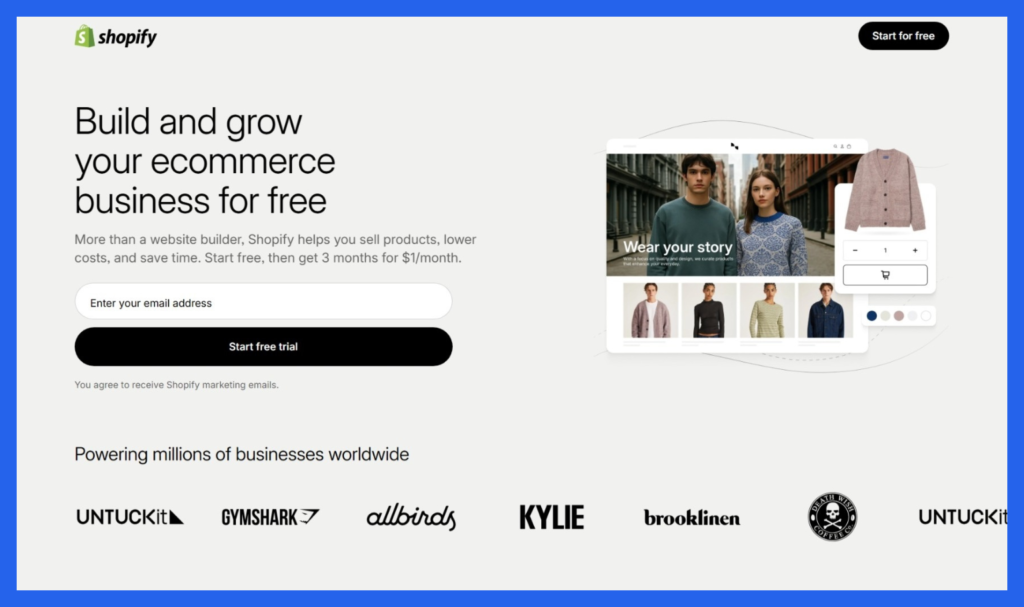
In 2026, Shopify has solidified its position as the “intelligent commerce operating system.” It is no longer just a website builder; it is an AI-driven ecosystem designed to help merchants sell across social media, marketplaces, and physical locations with almost no technical friction.
What is Shopify?
Shopify is a fully hosted, “software-as-a-service” (SaaS) platform. This means they handle all the heavy lifting—hosting, security, and updates—so you can focus entirely on your products and customers. In 2026, Shopify’s standout feature is Sidekick, an AI co-pilot that can literally build your store, generate marketing workflows, and even edit your theme via simple chat commands.
Pricing Plans for 2026
Shopify offers a tiered structure that scales with your revenue. Choosing the right plan is about balancing the monthly fee against the transaction rates.
Shopify Starter: $5/mo — For selling via social media or “Buy Buttons” (no full website).
Basic Shopify: $39/mo (or ~$29/mo billed annually) — Best for new solopreneurs and small shops.
Shopify (Grow): $105/mo (or ~$79/mo billed annually) — Best for growing teams needing professional reports and more staff accounts.
Advanced Shopify: $399/mo (or ~$299/mo billed annually) — Lowest transaction fees and advanced custom reporting for high-volume sellers.
Shopify Plus: Starts at $2,300/mo — Enterprise-grade solution for titans of the industry.
Pro Tip: New users in 2026 can often access a promotional rate of $1/month for the first 3 months after their initial free trial.
The Pros: Why Shopify Dominates
Unrivaled Ease of Use: Launch a professional store in an afternoon using a drag-and-drop editor and AI-generated content.
Agentic Storefronts: Your products are automatically discoverable in AI chats like ChatGPT and Copilot, opening a completely new sales channel.
World-Class Checkout: “Shop Pay” is widely considered the highest-converting checkout on the internet, offering a frictionless one-click experience.
App Ecosystem: Access to over 8,000 apps to extend your store’s functionality, from dropshipping with Printdoors to advanced loyalty programs.
Unified Commerce: Manage your online store, TikTok Shop, Instagram Shopping, and physical retail (POS) from one single dashboard.
The Cons: The Hidden Costs
Transaction Fees: If you don’t use Shopify Payments, you will be charged an additional fee (up to 2%) on every sale.
App “Tax”: While the base platform is powerful, many essential features (like advanced SEO or subscriptions) require monthly paid apps.
Limited Customization: Because it isn’t open-source, there are limits to how much you can modify the underlying code (unlike WooCommerce).
Professional Reporting: Basic users have limited access to data; you must upgrade to the $105/mo plan to unlock professional analytics.
Is Shopify Right for You?
Shopify is the perfect choice for the ambitious entrepreneur who values speed and reliability over technical tinkering. If you want a store that “just works” and can handle a massive surge of traffic during Black Friday without breaking a sweat, Shopify is the industry leader for a reason.
Would you like me to compare Shopify’s transaction fees against another platform, or perhaps generate a list of the best Shopify-compatible AI tools for 2026?
Wix
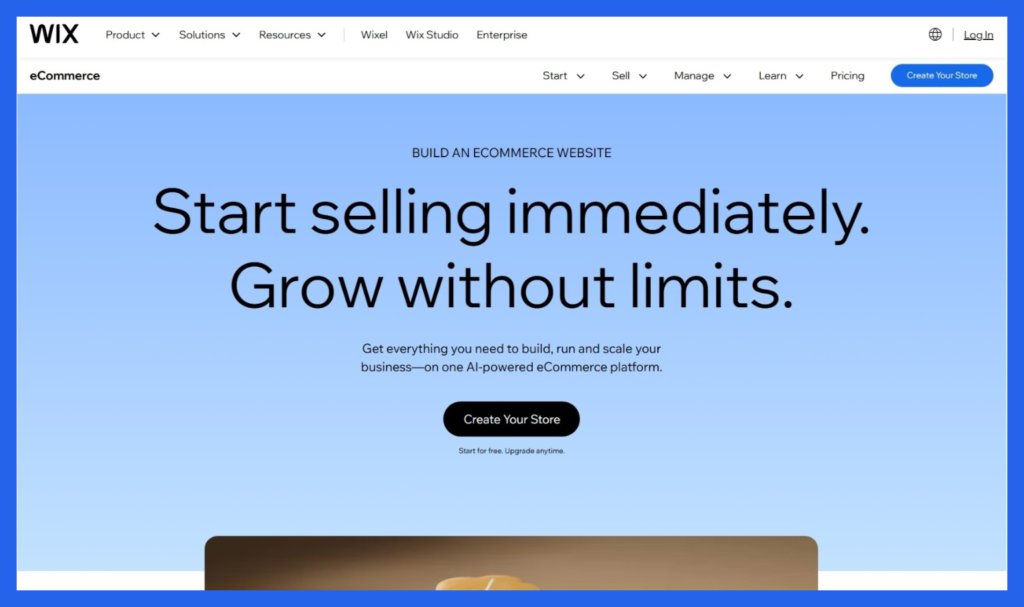
In 2026, Wix remains the king of creative freedom. It has transitioned from a simple “drag-and-drop” builder into a sophisticated, AI-driven platform that allows entrepreneurs to build highly aesthetic, professional stores without touching a single line of code.
What is Wix?
Wix is a website builder that prioritizes design and ease of use. While Shopify is built for logistics and WooCommerce for customization, Wix is built for visual impact. Its “Pixel-Perfect” editor allows you to move any element—text, images, videos—anywhere on the screen. In 2026, its AI Website Builder can generate a fully functional, niche-specific store just by having a brief conversation with you.
Pricing Plans (2026)
To sell products on Wix, you must subscribe to one of their “Core” or “Business” plans.
Core Plan: $29/mo — Ideal for small shops. Includes basic e-commerce features, 50GB storage, and abandoned cart recovery.
Business Plan: $39/mo — The “sweet spot” for growing brands. Adds automated sales tax (100 transactions/mo), advanced shipping, and multi-currency selling.
Business Elite: $159/mo — For high-volume sellers. Offers unlimited storage, a loyalty program, and priority VIP support.
Enterprise: Custom Pricing — Tailored for large-scale brands requiring dedicated account management.
The Pros: Why Wix Shines
Absolute Creative Control: You aren’t confined to a “grid.” If you want an image to overlap a heading or a button to float in a specific spot, you can just drag it there.
All-In-One Value: Wix includes hosting, high-level security, and a custom domain (free for the first year) in its subscription.
Exceptional Templates: Access to 500+ designer-made templates that are significantly more varied and stylized than the standard “e-commerce look.”
Built-in Marketing Suite: Wix “Ascend” provides email marketing, social media post creators, and video makers directly in your dashboard.
AI Product Descriptions: Their 2026 AI tools can instantly generate high-converting copy and even suggest social media captions for your products.
The Cons: The Limitations
Template Lock-in: Once your site is live, you cannot switch to a completely different template without manually re-entering your content.
Scaling Friction: While great for small-to-medium stores, Wix can feel sluggish if you have thousands of SKUs or extremely complex inventory needs.
Mobile Tweaking: Wix doesn’t always “auto-magically” make your site look perfect on mobile; you often have to use the separate mobile editor to rearrange elements.
Migration Difficulty: It is famously difficult to export a Wix site to another platform (like Shopify or WooCommerce) later on.
Is Wix Right for You?
Wix is the top choice for creatives, service providers, and boutique owners who want their website to be as beautiful as their products. If you want a store that looks like a high-end magazine but don’t want to hire a developer, Wix is your best partner in 2026.
Would you like me to find the best-performing Wix templates for your specific industry, or perhaps a guide on using their new AI SEO tools?
Bigcommerce
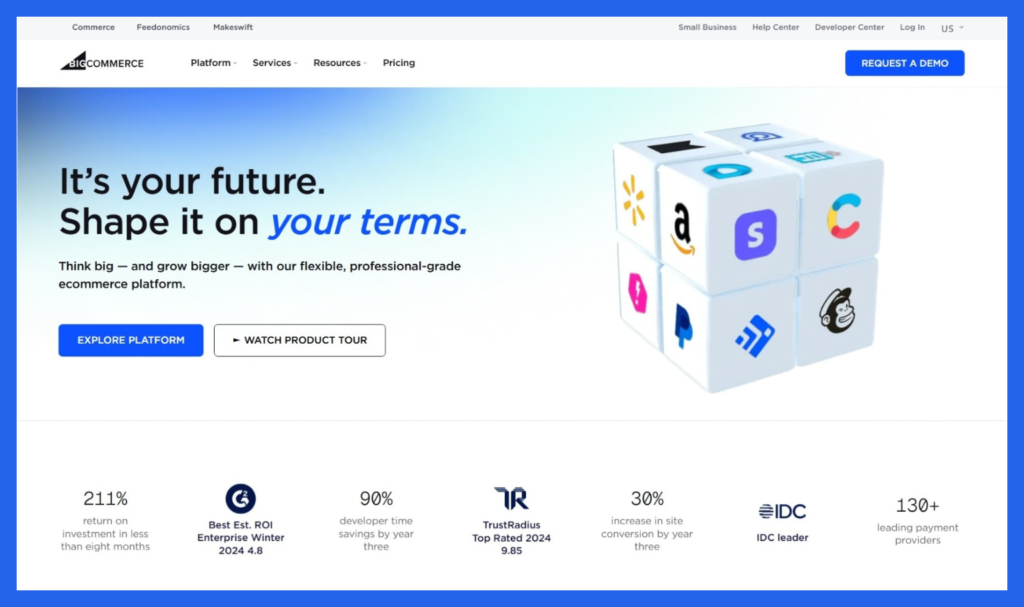
In the 2026 e-commerce landscape, BigCommerce has positioned itself as the premier “Open SaaS” platform. It bridges the gap between the ease of a hosted solution (like Shopify) and the flexibility of an open-source one (like WooCommerce). It is specifically engineered for businesses that have complex product catalogs or high-volume sales.
What is BigCommerce?
BigCommerce is a robust, all-in-one platform known for having the most native features built into its core. While other platforms require dozens of third-party apps to function, BigCommerce includes tools for SEO, multi-currency, and complex product filtering out of the box. Its “Open SaaS” philosophy means it has powerful APIs that allow developers to customize the store heavily while BigCommerce still handles the hosting and security.
2026 Pricing & Sales Thresholds
BigCommerce uses a unique pricing model. Instead of just paying for features, your monthly cost is tied to your annual sales volume. If you exceed a limit, you are automatically upgraded to the next tier.
Standard: $39/mo (or $29/mo billed annually)
Limit: Up to $50k in annual sales.
Best For: Startups needing professional features immediately.
Plus: $105/mo (or $79/mo billed annually)
Limit: Up to $180k in annual sales.
Best For: Growing stores; unlocks Abandoned Cart Recovery and Customer Groups.
Pro: $399/mo (or $299/mo billed annually)
Limit: Up to $400k in annual sales (+$150/mo for every additional $200k in sales).
Best For: Established businesses needing advanced product filtering (Faceted Search).
Enterprise: Custom Quote
Limit: For businesses doing $1M+ annually.
Best For: Massive brands requiring priority support and unlimited API calls.
The Pros: Built for the “Power Seller”
Zero Transaction Fees: Unlike Shopify, BigCommerce never takes a cut of your sales, regardless of which payment processor you use.
Native Multi-Channel Selling: Sync your inventory across Amazon, eBay, TikTok Shop, and Walmart natively from your dashboard.
Complex Product Variants: It supports up to 600 SKUs per product (Shopify natively supports 100). This is a game-changer for apparel or hardware brands.
B2B Excellence: Includes built-in tools for wholesale pricing, bulk ordering, and purchase orders that usually cost thousands on other platforms.
Advanced SEO: Offers the best out-of-the-box SEO control, including customizable URL structures (no forced
/products/in the link).
The Cons: The Learning Curve
Automatic Upgrades: If your store is successful and hits a sales threshold, your monthly bill will increase automatically, which can be a surprise for some owners.
Technical Dashboard: Because there are so many features included, the interface can feel “dense” and overwhelming compared to the simplicity of Wix or Shopify.
Limited Free Themes: There are only a handful of free templates; most high-quality themes will cost a one-time fee of $150–$350.
Feature Gating: Key conversion tools like “Abandoned Cart Recovery” are locked behind the $105/mo Plus plan.
Is BigCommerce Right for You?
BigCommerce is the right choice for mid-market to enterprise-level businesses and those with large, complex inventories. If you want to avoid “app fatigue” and need a platform that won’t charge you extra fees as you scale your revenue, BigCommerce is a powerhouse.
Would you like me to create a comparison of the B2B features between BigCommerce and Shopify Plus, or perhaps a list of the top BigCommerce themes for 2026?
Squarespace
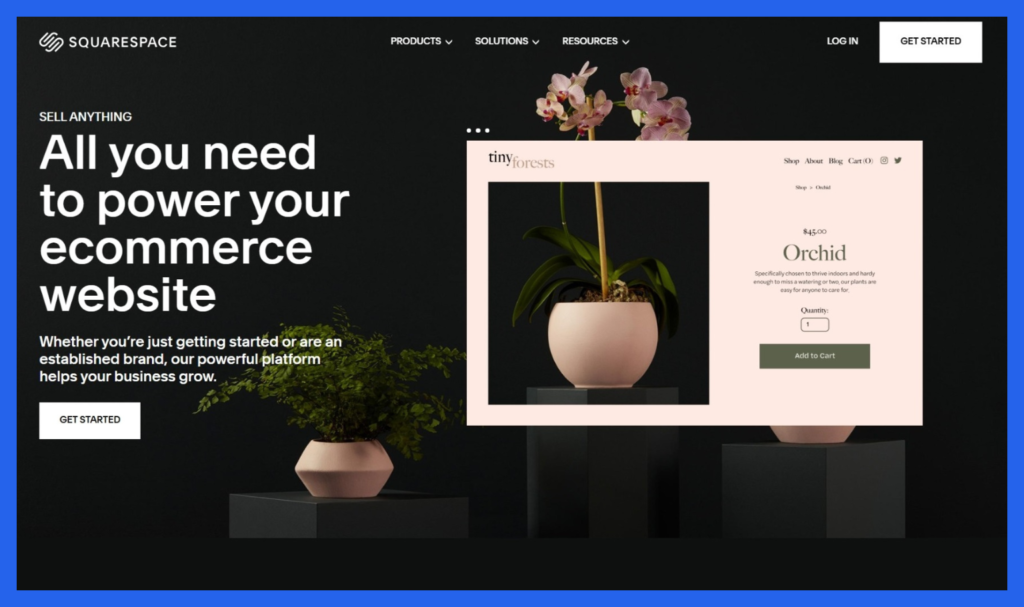
Squarespace: The Aesthetic Specialist for 2026
In 2026, Squarespace remains the undisputed leader for high-end design. It is the platform of choice for photographers, artists, and boutique brands that believe their website should be a work of art in itself. With its recent “Design Intelligence” AI updates, Squarespace now balances its famous aesthetic with smarter, automated selling tools.
What is Squarespace?
Squarespace is an all-in-one website builder that prioritizes a “visual-first” experience. It uses a sophisticated Fluid Engine editor that allows for a structured, grid-based drag-and-drop experience, ensuring your site looks professional and polished on any device. In 2026, it has expanded its “Member Areas” and “Courses” features, making it a top contender for those selling digital services or exclusive content alongside physical goods.
2026 Pricing Plans
Squarespace offers four main tiers. To avoid transaction fees on your sales, you generally need to move into the “Plus” or “Advanced” tiers.
Basic (Personal): $16/mo (Billed annually)
Best For: Portfolios and blogs. It allows for basic selling but carries a 2%–3% transaction fee.
Core (Business): $23/mo (Billed annually)
Best For: Small businesses that need advanced marketing tools. Note: Still carries a 3% transaction fee on sales.
Plus (Basic Commerce): $39/mo (Billed annually)
Best For: Growing stores. This is where you get 0% transaction fees, customer accounts, and advanced e-commerce analytics.
Advanced (Advanced Commerce): $99/mo (Billed annually)
Best For: High-volume sellers. Includes Abandoned Cart Recovery, advanced shipping rates, and the ability to sell subscriptions.
Note: These prices reflect annual billing, which typically saves you about 30% compared to paying month-to-month.
The Pros: Why It’s the Creative’s Choice
Best-in-Class Templates: Squarespace templates are widely considered the most beautiful in the industry. They are modern, minimalist, and “mobile-responsive” by default.
Fluid Engine Editor: The 2026 editor provides a flexible grid system that makes it easy to overlap elements and create magazine-style layouts without knowing code.
Integrated Marketing: Email campaigns, SEO tools, and social media integrations are built directly into the dashboard, so you don’t need to juggle third-party apps.
Digital & Service Selling: It is exceptionally good for selling appointments (via Acuity Scheduling), gated member content, and online courses.
All-Inclusive Security: Like Shopify, Squarespace handles all hosting, SSL certificates, and software updates for you.
The Cons: Where It Falls Short
Transaction Fees on Lower Plans: Charging a 3% fee on the $23/mo plan can be a dealbreaker for small businesses just starting to see sales volume.
Limited Payment Gateways: You are primarily restricted to Stripe and PayPal. If you need niche local payment methods, you might find it limiting.
Not for “Power” Sellers: If you have 5,000+ SKUs and need deep inventory management or complex “if/then” shipping rules, you will likely outgrow Squarespace quickly.
Rigid Template System: While the individual pages are flexible, switching your overall site “theme” in the newest version (7.1) is more difficult than on platforms like Wix.
Is Squarespace Right for You?
Squarespace is the perfect fit for solopreneurs and boutique brands where “The Look” is everything. If your brand is defined by high-quality imagery and a clean user experience, Squarespace will make your business look like a million dollars for a fraction of the cost.
Would you like me to create a “Design Checklist” for your Squarespace store to ensure it converts visitors into buyers?
This Squarespace vs Shopify comparison for 2026 video provides a direct head-to-head breakdown to help you decide which platform’s specific selling features align with your business goals.